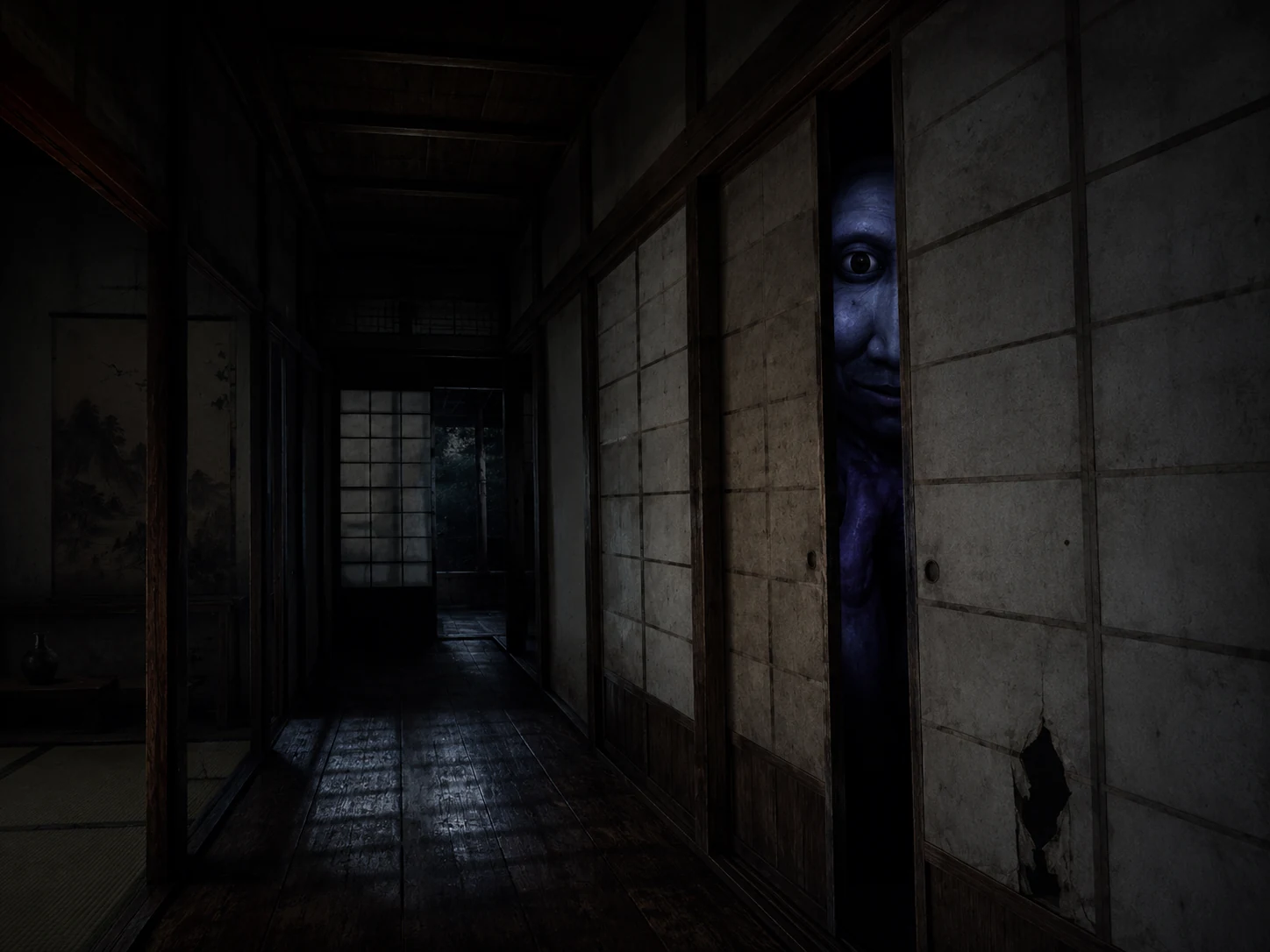
Ao Oni Save Editor
Ao Oni save editing focuses on RPG Maker inventory, location, and event flags. Edit your save files online for free.
Verified In The Editor
No game-specific verified editor fields yet. Candidate and engine-level notes stay visible below.
Evidence status: candidate
Verified editor fields come from the evidence model only. Game-specific notes stay separate below.
View coverage proofGame-Specific Editing Notes For Ao Oni
Gold / Money
Edit exposed party currency fields
Level / EXP
Adjust actor level and experience fields
Items / Inventory
Add or increase item quantities
Weapons / Armors
Adjust equipment counts where present
Variables
Edit story and puzzle variables cautiously
Switches / Flags
Toggle simple event flags after backup
Compatibility & Common Failure Reasons
Best case
The file opens in Quick Edit, common fields are detected, and the download button is enabled.
Read-only mode
The file can be inspected, but export is disabled because this structure cannot be rebuilt safely in-browser.
Parse error
The file may be encrypted, compressed by a custom container, the wrong save file, or larger than the browser limit.
Support limits
- Ao Oni support depends on the exact RPG Maker generation and save file exported by the game.
- Folder Mode can label item, actor, variable, and switch IDs when the game Data folder is selected.
- Encrypted, packed, or custom-scripted saves may open read-only or reject unsafe structural changes.
Failure reasons
- Ao Oni may store progress in a different slot, config file, or persistent system file.
- The uploaded file may be a backup, metadata file, or a packed executable resource.
- A custom script may add checksums or object structures that are intentionally guarded.
Quick Edit Targets
Backup steps
- Close the game.
- Copy the full save folder.
- Edit one slot first and verify in-game.
📂 Ao Oni Save File Location
Game install folder with Save*.lsd or Save*.rvdata files Wine/Proton wrapper game folder Game install folder or Proton prefix game folder 💡 Tip: Press Win+R on Windows and paste the path to quickly access your saves.
How to Edit Ao Oni Saves
Locate Your Save
Find your save file using the paths above. Make a backup copy first!
Upload & Edit
Drag your save file to our editor. Modify gold, items, stats and more.
Download & Play
Download your edited save and replace the original. Launch the game!
Frequently Asked Questions
Where is the Ao Oni save file?
What can I edit in Ao Oni?
📖 Related Guides
Other Popular Games
Ready to Edit Your Ao Oni Save?
Free to use, no download required. Browser-side parsing with backup-first editing.
Start Editing Now →Ao Oni save editor workflow
Use this page to find your .rpgsave, .rvdata2, .rvdata, .rxdata, .lsd save file, back it up, and edit only the RPG Maker fields that the browser can safely rebuild. Quick Edit targets show the fastest path; everything else should be verified in-game after a small change.
Common quick edit targets
- Gold / Money
- Level
- EXP
- HP / MP
- Items / Inventory
- Weapons
- Armors
- Variables
Backup-first workflow
- Close the game.
- Copy the full save folder.
- Edit one slot first and verify in-game.
Support limits
- Ao Oni support depends on the exact RPG Maker generation and save file exported by the game.
- Folder Mode can label item, actor, variable, and switch IDs when the game Data folder is selected.
- Encrypted, packed, or custom-scripted saves may open read-only or reject unsafe structural changes.
Common failure reasons
- Ao Oni may store progress in a different slot, config file, or persistent system file.
- The uploaded file may be a backup, metadata file, or a packed executable resource.
- A custom script may add checksums or object structures that are intentionally guarded.